~/guides/flipper-zero-momentum
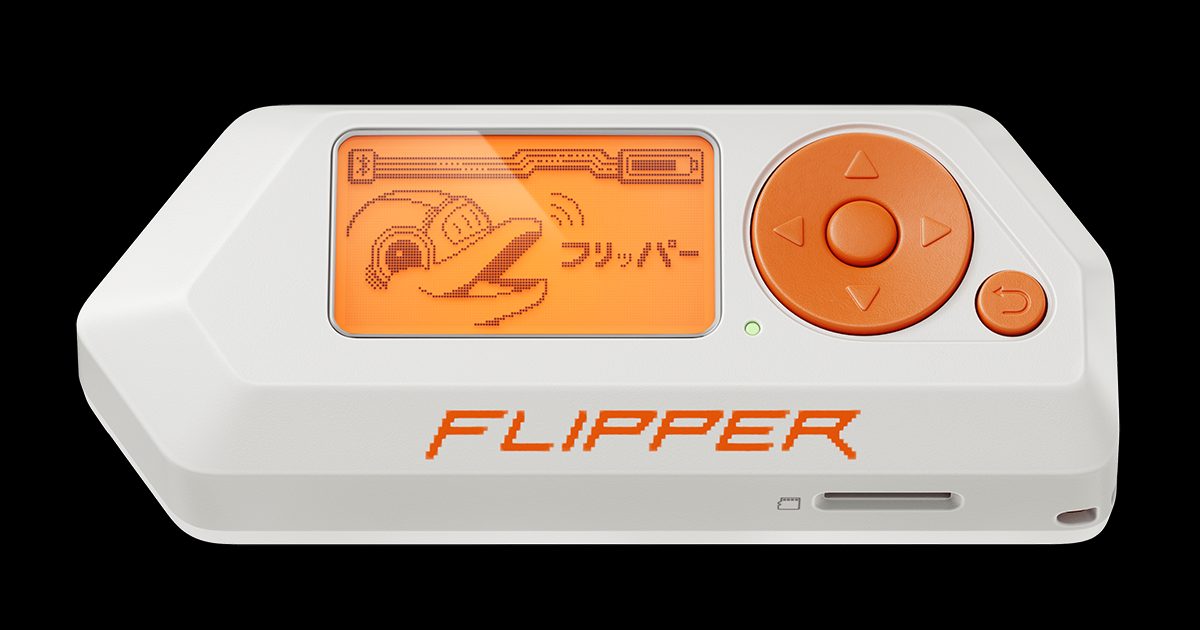
Flipper Zero Momentum Firmware: A Beginner's Guidebook
A beginner's guidebook to Flipper Zero's Momentum firmware: what it changes, how to install it, and how to use the radios on hardware you own.
- Part 1 of 10 Flipper Zero Custom Firmware: Why Momentum for Beginners Flipper Zero custom firmware for beginners: why this series uses Momentum, how it differs from Official Firmware, Unleashed, and RogueMaster.
- Part 2 of 10 Flipper Zero Setup Guide: SD Card, Charge, and First Boot Flipper Zero setup on stock firmware: pick a 16–32 GB microSD card, insert it pins up, charge, first boot, and install qFlipper before you flash anything.
- Part 3 of 10 Install Momentum Firmware on Flipper Zero: Web Updater, qFlipper, and Mobile Install Momentum firmware on Flipper Zero: back up the SD card, use the Web Updater (or qFlipper, Lab, or an SD zip), and confirm mntm-012 before you disconnect.
- Part 4 of 10 Momentum Settings App: Customize Flipper Zero Menus, Keybinds, and Lockscreen Momentum Settings on Flipper Zero: open the MNTM app, set menus and lockscreen options, and leave Bypass Region Lock and Format on Bad PINs alone.
- Part 5 of 10 Flipper Zero Asset Packs on Momentum: Install Themes Without Recompiling Install Flipper Zero Asset Packs on Momentum: copy packs to SD/asset_packs, pick one in MNTM Graphics, and fix missing icons without recompiling firmware.
- Part 6 of 10 Flipper Zero Sub-GHz for Beginners on Momentum (Read, Save, Legal Limits) Flipper Zero Sub-GHz on Momentum: use Read and the Frequency Analyzer on remotes you own, know the legal limits, and leave rolling-code transmit alone.
- Part 7 of 10 Flipper Zero NFC and RFID Beginner Guide (Momentum) Flipper Zero NFC and 125 kHz RFID on Momentum: read and save tags you own, know what emulation is for, and ignore payment-card cloning claims.
- Part 8 of 10 Flipper Zero Infrared and BadUSB on Momentum: Safe Lab Uses Use Flipper Zero infrared and BadUSB on Momentum only on devices you own: learn your remotes, run a harmless payload on your own PC, and skip attack scripts.
- Part 9 of 10 FindMy Flipper and Bluetooth Tools on Momentum (Beginner Ethics Guide) FindMy Flipper on Momentum is enabled at startup; use official Bluetooth tools on your own devices, and do not use BLE spam or spoofing against strangers.
- Part 10 of 10 Momentum Firmware Apps, Backups, and Updates: Beginner Maintenance Guide Back up Flipper Zero SD files, update Momentum mainline with the Web Updater, and troubleshoot connection errors without pulling the card mid-update.