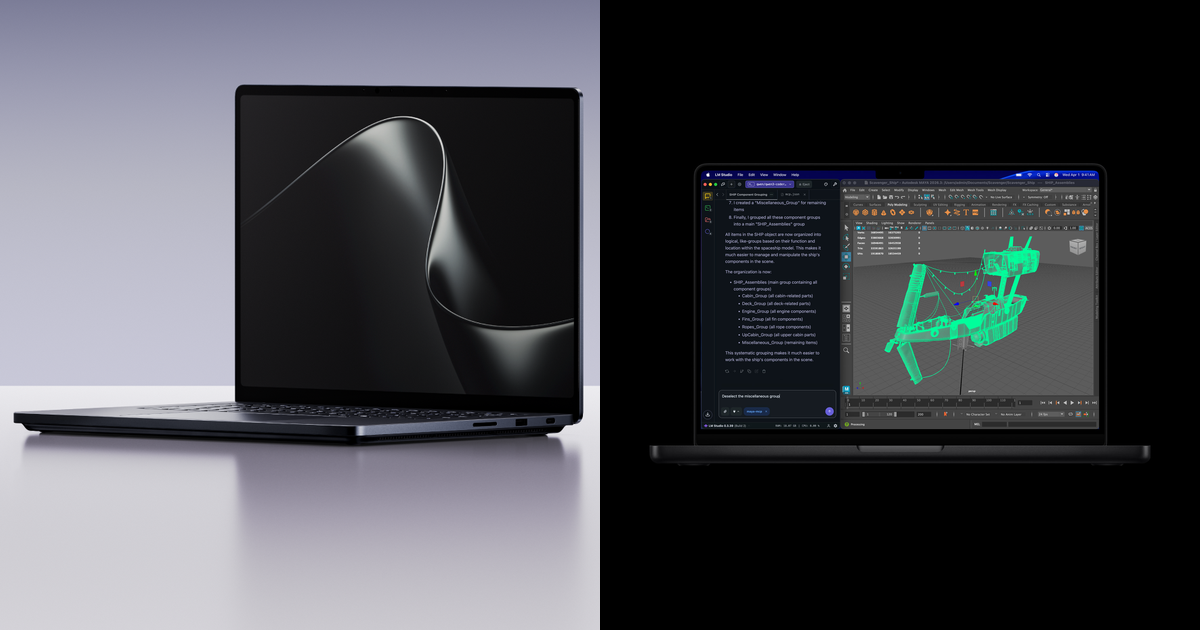
Header image credit: Surface Laptop Ultra (left) and MacBook Pro with M5 Pro (right). Images: Microsoft (left), Apple (right).
Disclosure: some links below are Amazon affiliate links (tag cao04-20). Costs you nothing; the picks are the same either way. The Microsoft Store link is a plain link.
Note: Microsoft opened pre-orders on October 7, 2026, and the laptop ships October 16. No full independent reviews exist yet, so every benchmark in this Surface Laptop Ultra vs MacBook Pro comparison is an early number, not a verdict.
For about five years, the developer laptop question has had a boring answer: buy the MacBook Pro unless you need Windows. Apple silicon gave you the battery life, the unified memory, and a Unix shell, and the Windows side didn’t have a laptop that competed on all three at once.
Microsoft’s Surface Laptop Ultra is the first serious attempt to change that. It’s built around NVIDIA’s RTX Spark superchip, with up to 128GB of unified memory and native CUDA, and it’s priced below the 16-inch MacBook Pro. Microsoft’s announcement names “developers building what doesn’t exist yet” among the people it designs Surface for, and it’s openly courting MacBook owners with a trade-in offer.
That’s the marketing. Here’s what actually matters if you write code for a living: what runs natively, what runs in emulation, what only runs on a Mac, how long the battery lasts away from a desk, and whether 128GB of memory changes your local AI workflow.
Surface Laptop Ultra vs MacBook Pro: the spec sheet
Base configurations, side by side. Surface display specs and all prices come from Microsoft and MacRumors only, because early coverage disagrees on the Surface’s screen size and resolution.
| Surface Laptop Ultra (base) | MacBook Pro 16-inch (M5 Pro, base) | |
|---|---|---|
| Starting price | $2,599 | $2,999 |
| Availability | Pre-order now, ships October 16, 2026 | On sale now |
| CPU | NVIDIA Grace (Arm), 18 cores; up to 20 | Apple M5 Pro, 18 cores (6 super + 12 performance) |
| GPU | NVIDIA Blackwell RTX, 5,120 cores; up to 6,144 | 20-core GPU |
| Memory | 24GB unified; up to 128GB | 24GB unified; up to 64GB (M5 Pro) or 128GB (M5 Max) |
| Display | 15-inch PixelSense Ultra mini-LED touchscreen, up to 2,000 nits peak HDR, no pen support | 16.2-inch Liquid Retina XDR, 3456 x 2234, 1,600 nits peak HDR |
| Storage | 512GB, user-removable | 1TB |
| Rated battery | 15 hrs video / 12 hrs active web | 24 hrs video / 17 hrs wireless web |
| Weight | Under 4.5 lb | 4.7 lb |
| Ports | 3x USB-C (one with Magnetic Connect), USB-A, HDMI, SD card reader, 3.5mm jack | 3x Thunderbolt 5, HDMI, SDXC, MagSafe 3, 3.5mm jack |
| OS | Windows 11 on Arm (x86 apps via Prism emulation) | macOS |
Sources for the table: Microsoft and MacRumors for Surface pricing, display, chip limits, weight, and ports; Windows Latest for the base configuration’s cores, memory, and storage; Tom’s Guide for the battery ratings; Apple for the MacBook Pro column (price from MacRumors).
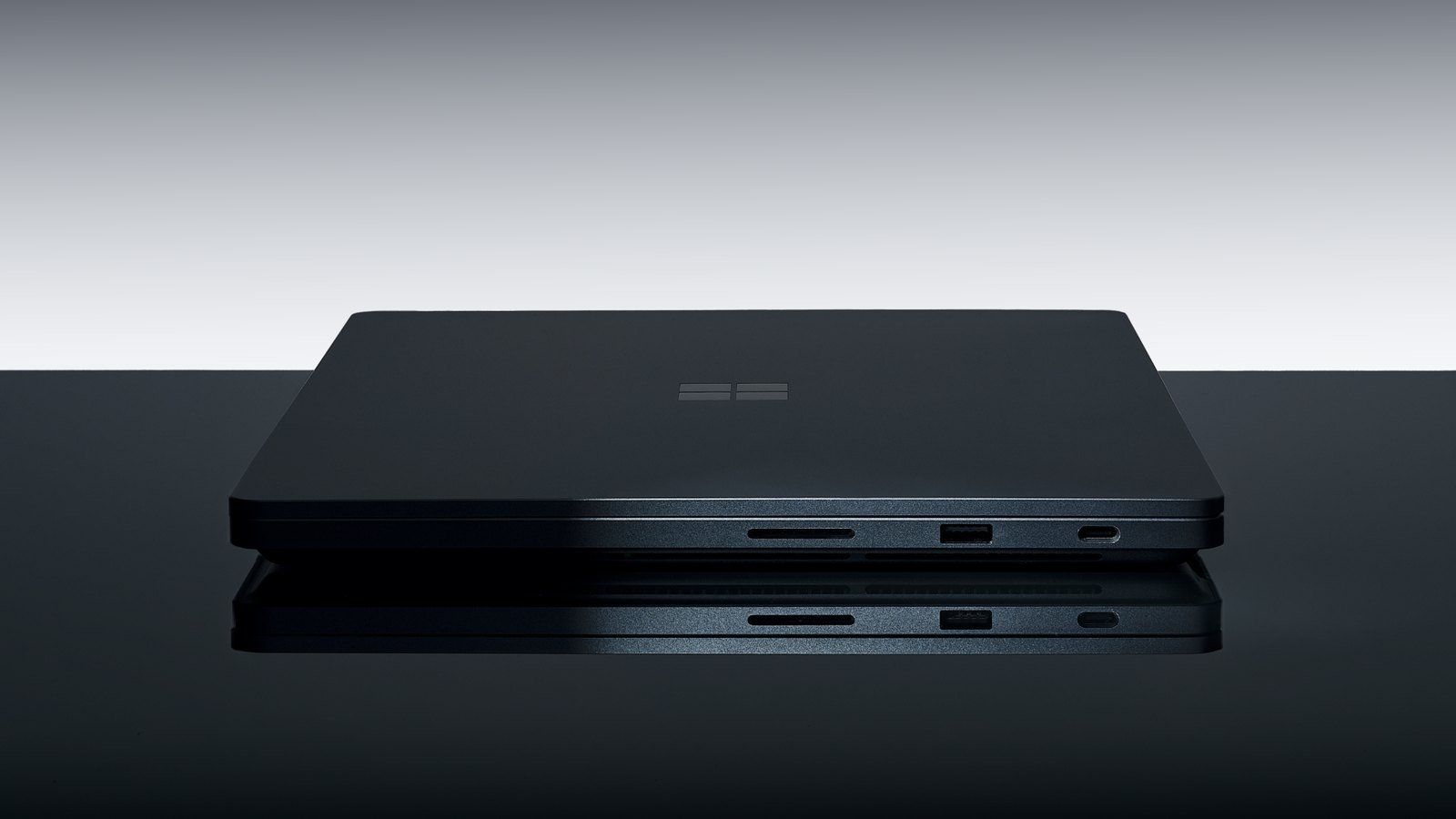 An SD reader and USB-A sit beside USB-C, and HDMI is on board too: the Surface keeps the ports developers still carry dongles for. Image: Microsoft.
Surface Laptop Ultra price and release date
The Surface Laptop Ultra price starts at $2,599 (MSRP) from Microsoft.com or select retailers, with availability beginning October 16, 2026 (Microsoft). MacRumors frames it directly: the 15-inch Surface is “undercutting Apple’s $2,999 16-inch MacBook Pro” (MacRumors). That’s a $400 gap at the base, before memory upgrades on either side.
Higher-memory configurations cost more. I’m not quoting those figures here because they didn’t come from Microsoft’s announcement or MacRumors, so check Microsoft’s configurator for the live number. Per Windows Latest, the $2,599 model is the 18-core CPU with a 5,120-core GPU, 24GB of memory, and a 512GB SSD.
The trade-in matters more than the sticker. Microsoft is offering up to $1,000 cash back when you trade in an eligible MacBook Pro against a new Surface Laptop Ultra, valid October 7 through November 23, 2026, and only through the Microsoft Store online in the US and Canada (Microsoft). Read the fine print: the cash-back amount varies with the device you buy and the value of your trade-in, the old laptop must power on, hold a charge, and be fully functional, and you have to mail it in within 15 days of starting the online trade-in. If you’re switching, buy direct from Microsoft rather than a retailer, or you lose the offer.
Pre-order Surface Laptop Ultra at the Microsoft Store (required for the trade-in) · Surface Laptop Ultra on Amazon: check current price · MacBook Pro 16-inch (M5 Pro) on Amazon: check current price
Microsoft also announced the Surface RTX Spark Dev Box, a $5,999 desktop on the same chip that’s exclusive to Microsoft.com in the US and ships in November.
Surface Laptop Ultra review: early benchmarks, not a verdict
There is no full Surface Laptop Ultra review yet. Here’s what exists, and how much weight each piece deserves.
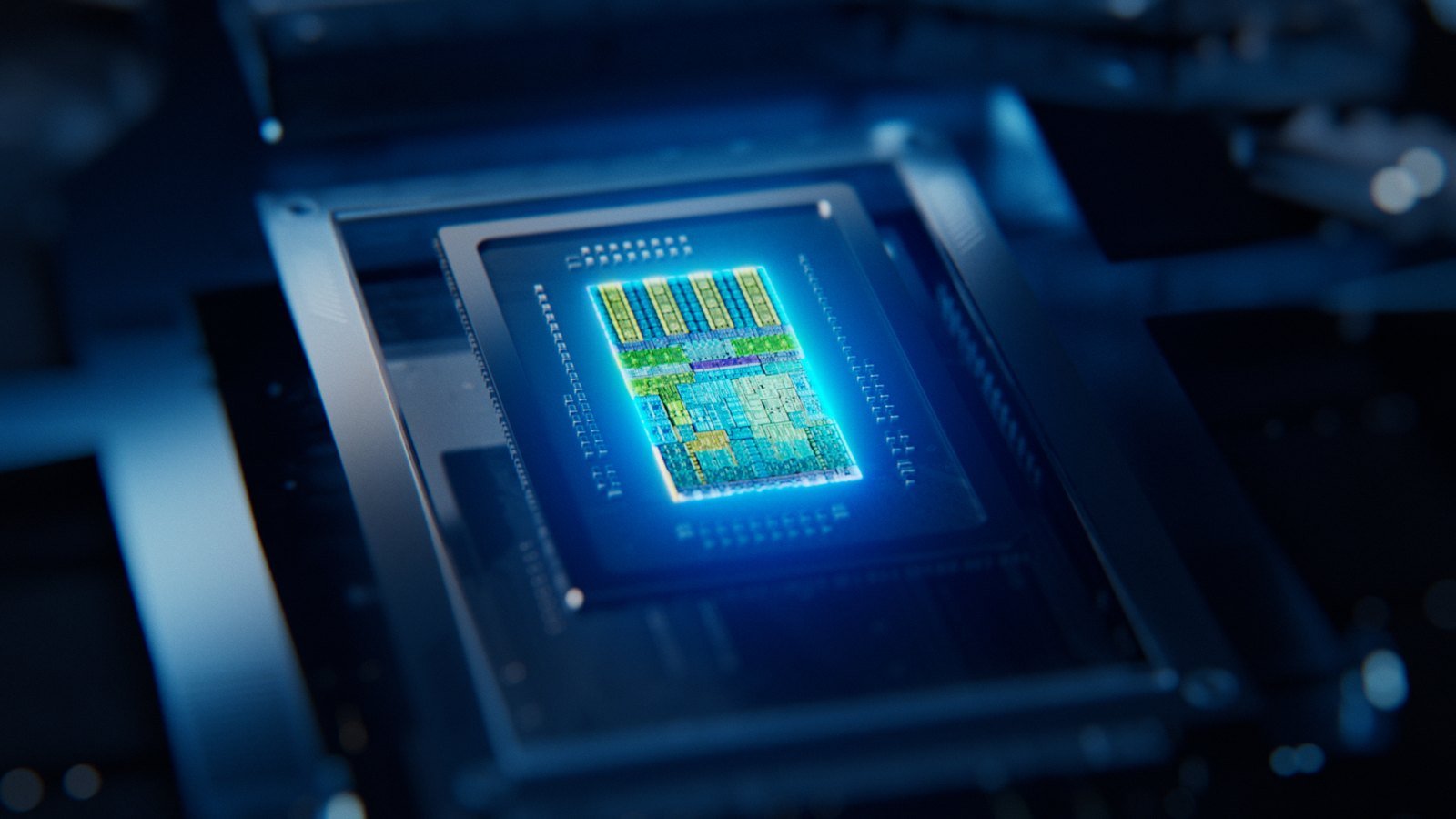 RTX Spark puts an Arm CPU, a Blackwell GPU, and unified memory on one package. Image: Microsoft.
Early CPU numbers favor Apple. Sportskeeda compared published scores for the RTX Spark chip (listed as GB10) against Apple’s M5 Pro (Sportskeeda):
| Benchmark | NVIDIA RTX Spark (GB10) | Apple M5 Pro | M5 Pro lead |
|---|---|---|---|
| Geekbench 6 single-core | 3,123 | 4,295 | 37.5% |
| Geekbench 6 multi-core | 19,708 | 29,256 | 48.4% |
| Code compilation (Clang) | 43,149 | 55,165 | 27.8% |
Read these carefully. They’re chip-level numbers published before the Surface shipped, not results from a retail Surface Laptop Ultra running Microsoft’s tuned Windows build. Windows Latest reports that Microsoft rebuilt the Windows 11 task scheduler for this chip, so real-world numbers could move. Still, the compile result is the one developers should circle: on early data, the M5 Pro builds code faster.
Microsoft’s own claims are about AI and GPU work, and they’re light on numbers. On stage, Microsoft said the Surface delivers faster time-to-first-token and shorter image generation than M5 Pro laptops “across the models we tested,” but it shared no figures and didn’t name the models (Windows Latest). Tom’s Guide reports that Microsoft claims it’s 2.1 times faster than the MacBook Pro when using the chip and local AI to speed up editing and rendering (Tom’s Guide). Treat both as vendor claims until independent reviews land after October 16.
For developers: toolchains, WSL, Docker, and emulation
 The MacBook Pro’s advantage for developers is the toolchain, not just the chip. Image: Apple.
Windows on Arm and x86 emulation
This is the caveat that matters most. RTX Spark is an Arm chip, so the Surface runs Windows on Arm, and x86 apps run through Microsoft’s Prism emulation (MacRumors). Native Arm64 tools are fine. Anything that ships only as an x86 Windows binary (an old vendor CLI, a proprietary SDK, a driver-dependent debugger, an internal tool nobody has rebuilt) runs translated, if it runs at all. Before you commit, list every tool you use in a week and check each one for an Arm64 Windows build. Then test the stragglers on day one, while Microsoft Store’s return policy still applies.
WSL and Linux workflows
If your real environment is Linux, WSL is the bridge on the Surface, and Microsoft lists WSL among the tools that come preconfigured on the RTX Spark Dev Box built on the same chip (Microsoft). On the Mac you get a native Unix shell, with Linux in a VM or container when you need the real thing. Both are workable. Neither is a reason to switch on its own.
Docker and containers
Here the two machines are more alike than the marketing suggests: both are Arm machines (Sportskeeda). If your team already builds multi-arch images because of Apple silicon, that work carries over. If your production images are x86-only, you face the same emulation question on either laptop, so neither machine fixes it.
CUDA: the Surface’s real developer advantage
RTX Spark supports CUDA natively, so you don’t give up NVIDIA’s AI tooling to use an Arm laptop (Windows Latest). Sportskeeda makes the same point from the other direction: the Surface can run CUDA programs “that simply won’t work on a MacBook.” If your work touches PyTorch on CUDA, custom kernels, or anything that assumes an NVIDIA GPU, this is the single biggest argument for the Surface.
Xcode and Apple platforms: the MacBook’s hard lock
If you ship iOS, iPadOS, watchOS, or macOS apps, the decision is already made. Xcode runs only on macOS, so the Surface can’t build, sign, or simulate your app. Cross-platform frameworks don’t remove this; they still need a Mac for the Apple build.
Battery life, weight, and ports compared
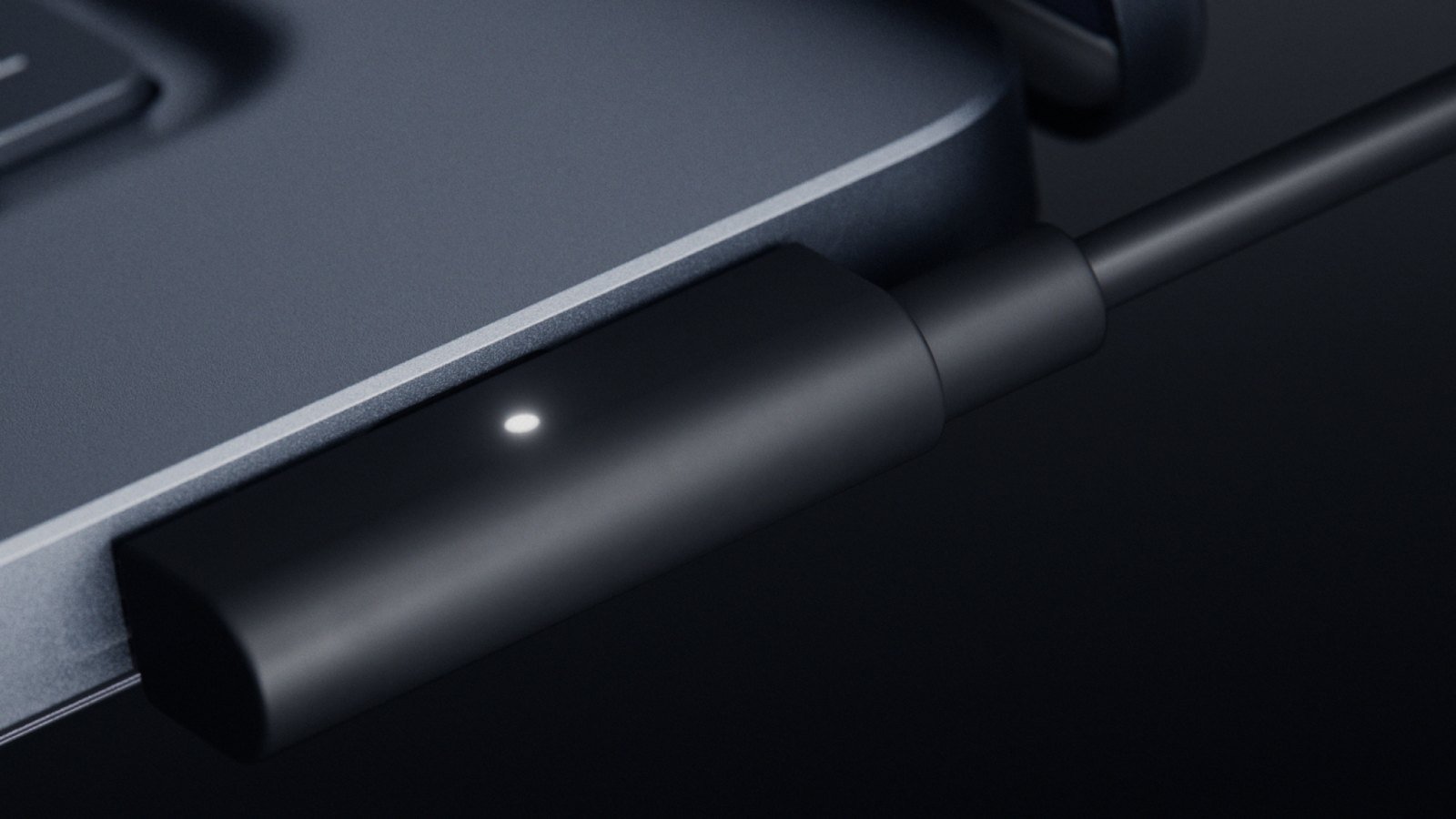 Magnetic Connect: a breakaway USB-C charger that still leaves the port usable for data and video. Image: Microsoft.
Battery is the MacBook’s clearest win on paper. Tom’s Guide’s comparison lists the Surface at 15 hours of video and 12 hours of active web use, against 24 hours and 17 hours for the MacBook Pro (Tom’s Guide). Apple’s own rating for the 16-inch M5 Pro is up to 24 hours of video streaming and up to 17 hours of wireless web from a 100-watt-hour battery (Apple). Those are ratings, not compile-heavy workdays, and nobody has run independent battery tests yet. Still, a nine-hour gap in rated video playback is big enough that I’d expect the MacBook to keep the lead in real use.
Microsoft’s counterpoint is sustained performance rather than runtime. It says the Surface retains “over 99% of its power” on battery, so unplugging shouldn’t slow your builds (Windows Latest). It also says a new thermal design gives up to 2.5x the thermal power capacity of current Surface Laptops in a chassis under 18mm thin (Microsoft). Both are vendor claims that reviewers will need to test under a long compile.
The Surface pushes back on weight and ports. It’s under 4.5 lb against the MacBook Pro 16’s 4.7 lb, and it has USB-A, HDMI, an SD reader, and a headphone jack alongside three USB-C ports. One of those USB-C ports supports Magnetic Connect, which Microsoft calls the world’s first built-in magnetic USB-C charging on a laptop, and the port still carries video and data when you’re not charging. It can drive up to three 4K displays (Microsoft). The MacBook Pro answers with three Thunderbolt 5 ports, HDMI, SDXC, and MagSafe 3 (Apple). If either laptop will spend most days docked, our developer desk setup guide covers the monitors and keyboards around it.
One Surface detail developers will appreciate: storage is user-removable, so you can upgrade, replace, or secure the SSD yourself. The MacBook’s storage is fixed at purchase. That matters more than it sounds at the base level, because the $2,599 Surface ships with 512GB while the $2,999 MacBook Pro ships with 1TB. A few Docker images, a model or two, and an Android emulator will fill 512GB quickly.
Display and keyboard time
You’ll stare at this screen for eight hours a day, so it matters more than benchmark charts. Microsoft calls the 15-inch PixelSense Ultra panel the brightest, sharpest, and most vivid display it has put on a Surface Laptop, with peak HDR up to 25% brighter than MacBook Pro M5 (Microsoft). Peak HDR brightness matters for video and photo work. For code, the more relevant facts are size and input: the MacBook gives you a 16.2-inch panel, the Surface a 15-inch touchscreen, and the Surface’s haptic touchpad is 30% larger than the one on Microsoft’s Surface Laptop 8th Edition. Microsoft hasn’t published a resolution in its announcement, so I’m not quoting one; early reports disagree.
RAM: how much unified memory do developers need?
Both laptops start at 24GB of unified memory and both top out at 128GB. On the Mac, 128GB requires stepping up to the M5 Max with the 40-core GPU (Apple). On the Surface it requires the 20-core RTX Spark configuration (Windows Latest).
For conventional development (an IDE, a browser, a few containers, a local database), 24GB is workable and 32GB is comfortable. The jump to 64GB or 128GB pays off for exactly one workload most people are buying these machines for now: running large models locally. Microsoft’s footnote is worth reading here. The GPU can’t address all 128GB; the maximum “is less than the total” and depends on configuration and workload (Microsoft).
Local AI: running LLMs on either laptop
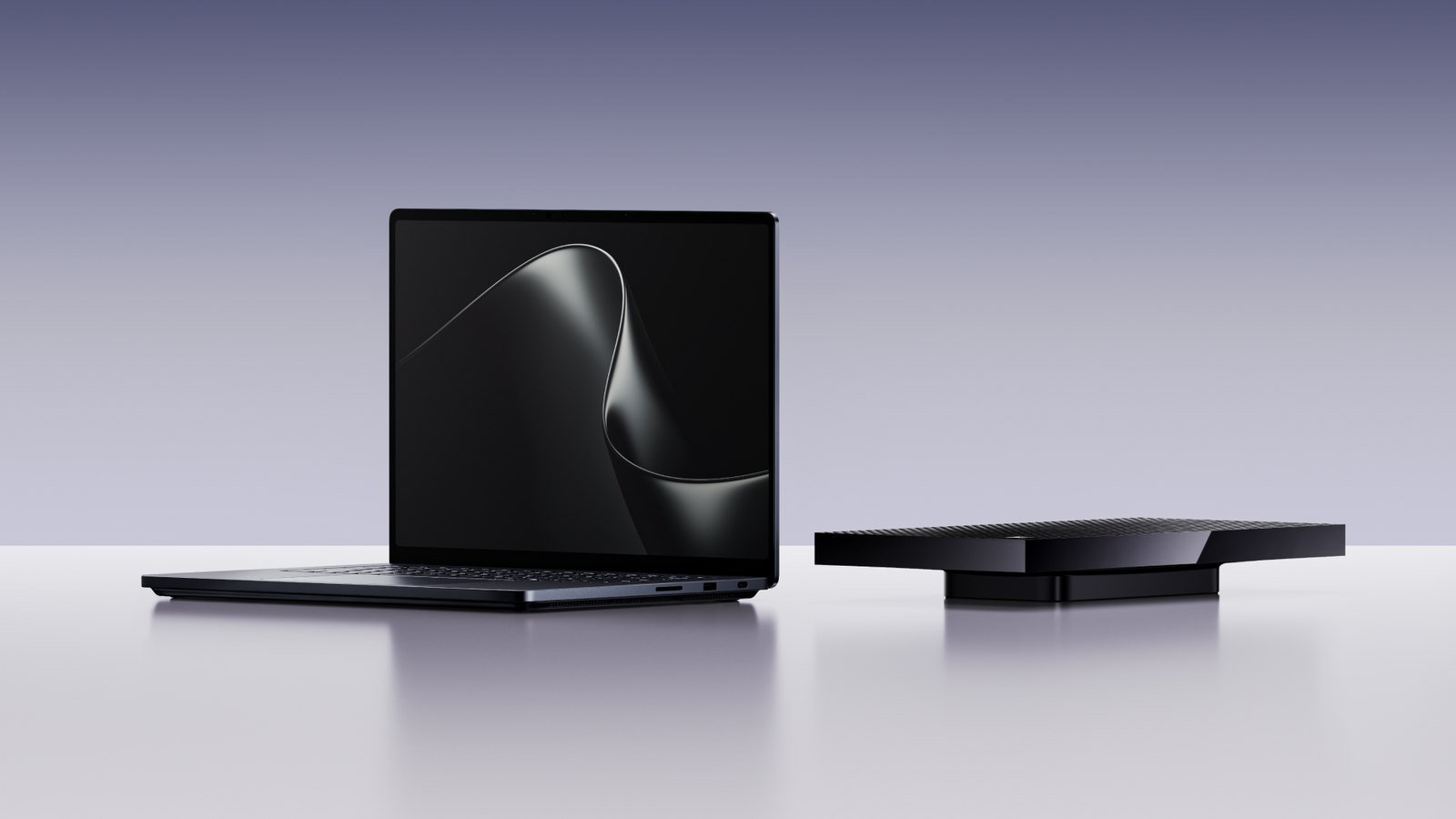 The Surface Laptop Ultra and the $5,999 RTX Spark Dev Box share the same chip. Image: Microsoft.
Microsoft says the Surface Laptop Ultra can run AI models exceeding 120B parameters locally, with up to 1 petaflop of AI performance. That petaflop figure is theoretical FP4 throughput using sparsity, per Microsoft’s own footnote (Microsoft). It also pitches running local models with GitHub Copilot for on-device agentic coding.
The practical split looks like this:
- Pick the Surface if your local AI stack is CUDA-first (PyTorch, CUDA-only inference engines, fine-tuning scripts written for NVIDIA). Getting CUDA in a laptop with up to 128GB of unified memory is the new thing here.
- Pick the MacBook Pro if you run models through Mac-native tools and care more about battery life while a model is loaded. Configured with the M5 Max, it also reaches 128GB of unified memory, so model size isn’t the deciding factor.
- Pick neither if the model never leaves your desk (see below).
A Mac mini alternative for local LLMs: when a desktop beats both laptops
If your local AI work happens at one desk, you’re paying laptop prices for a battery and screen your model doesn’t need. A desktop box gives you more memory per dollar than any laptop. See our Mac mini alternatives roundup for small desktops, and our RTX 5090 alternatives for local AI for the dollars-per-gigabyte math. For a single desktop GPU that runs open-weight models, start with our local LLM GPU buying guide.
Microsoft has its own answer on the same chip: the $5,999 Surface RTX Spark Dev Box, which MacRumors frames as a competitor to the Mac Studio and Mac mini (MacRumors). At $5,999 it’s a pricey Mac mini alternative for AI, so it only makes sense if you need RTX Spark’s CUDA support and up to 128GB of unified memory on a desk.
Surface Laptop Ultra or MacBook Pro: which should you buy?
- You build for Apple platforms: MacBook Pro. Xcode decides it.
- You need CUDA on the go: Surface Laptop Ultra. Nothing else on this page offers it.
- You compile big codebases all day on battery: MacBook Pro, on early compile numbers and rated battery life.
- You live in Windows, need USB-A, HDMI, and an SD slot, and can trade in a MacBook Pro: Surface Laptop Ultra, bought from the Microsoft Store before November 23.
- Your toolchain includes x86-only Windows binaries: wait for reviews, or test everything inside the return window.
- You want a pen or a 2-in-1: neither. The Surface’s touchscreen doesn’t support pen input.
The Surface is also, for now, the only RTX Spark laptop you can actually put a number on. HP has announced the OmniBook Ultra 16 and OmniBook X 14 on the same platform, but as of October 11 HP has not published firm US pricing — The Verge’s event coverage caught a $2,999.99 OmniBook X listing appear and disappear ahead of the event, which is a rumor with a screenshot, not a price. If one of those is the Windows machine you actually want, the move is the same one this article keeps recommending for the Surface: wait for real pricing and real reviews.
Frequently asked questions
When is the Surface Laptop Ultra release date?
Pre-orders opened October 7, 2026, and availability begins October 16, 2026, per Microsoft. The Surface RTX Spark Dev Box on the same chip ships in November.
How much does the Surface Laptop Ultra cost?
It starts at $2,599 (MSRP), $400 less than the $2,999 16-inch MacBook Pro. MacBook Pro owners can get up to $1,000 cash back by trading in an eligible MacBook Pro through the Microsoft Store online (US and Canada) between October 7 and November 23, 2026.
Is there a Surface Laptop Ultra review yet?
Not a full independent one; the laptop hadn’t shipped as of October 7, 2026. Early chip benchmarks favor the M5 Pro on CPU and compile tests, and Microsoft’s AI performance claims haven’t been independently verified.
Does the Surface Laptop Ultra run x86 Windows apps?
Yes, through Microsoft’s Prism emulation, since RTX Spark is an Arm chip. Native Arm64 apps skip the translation layer, so test your critical x86-only tools inside the return window.
Can I develop iOS apps on the Surface Laptop Ultra?
No. Xcode runs only on macOS, so you need a Mac to build, sign, or simulate Apple-platform apps.
Does the Surface Laptop Ultra support a pen?
No. The touchscreen is touch-only; Microsoft says Surface Pen and Surface Slim Pen aren’t supported.
The bottom line
The Surface Laptop Ultra is the first Windows laptop that competes with the MacBook Pro on unified memory and price, and it beats it on CUDA, ports, and repairable storage. On the early numbers, the MacBook Pro still wins on CPU speed, compile times, and battery life, and it’s the only option if Xcode is in your day. Wait for the October 16 reviews unless the $1,000 MacBook Pro trade-in makes the timing for you.
Sources
8 refs- Pre-order our most powerful Surface devices ever — Microsoft Devices Blog: $2,599 MSRP, October 16 availability, 15-inch PixelSense Ultra touchscreen with no pen support, up to 2,000 nits peak HDR, RTX Spark CPU/GPU core counts, up to 128GB unified memory and the GPU-addressable footnote, 120B-parameter and 1-petaflop (FP4, sparsity) claims, under 18mm and 4.5 lb, ports and Magnetic Connect, three 4K displays, user-removable storage, MacBook Pro trade-in terms, Dev Box price and tooling.blogs.windows.com
- Microsoft Launches $2,599 Surface Laptop Ultra to Take on MacBook Pro — MacRumors: 15-inch mini-LED touchscreen without pen input, $2,999 16-inch MacBook Pro comparison, Windows on Arm with Prism x86 emulation, October 16 launch.macrumors.com
- Microsoft’s MacBook Pro killer has up to 128GB RAM, starts at $2,599 — Windows Latest: base and top configuration cores and memory, native CUDA support, rebuilt Windows scheduler, Microsoft’s unquantified local-AI claims.windowslatest.com
- Microsoft Surface Ultra announced with Nvidia RTX Spark — Tom’s Guide: side-by-side battery ratings (15/12 hours vs 24/17 hours) and Microsoft’s 2.1x claim.tomsguide.com
- Can Microsoft Surface Laptop Ultra compete against the MacBook Pro with M5 Pro — Sportskeeda: early Geekbench 6 and Clang compilation scores for RTX Spark (GB10) vs M5 Pro, CUDA compatibility point.tech.sportskeeda.com
- MacBook Pro Technical Specifications — Apple: 16-inch M5 Pro CPU/GPU, memory options up to 128GB with M5 Max, display, 1TB base storage, battery ratings and 100Wh capacity, 4.7 lb weight, ports.apple.com
- HP’s latest OmniBooks get RTX Spark, 128 GB LPDDR5X RAM and 3K OLED displays — Notebookcheck: OmniBook Ultra 16 and OmniBook X 14 as RTX Spark alternatives, lower-tier 18-core N1X configuration.notebookcheck.net
- Windows and Surface live blog: On the ground at Microsoft’s event — The Verge: HP briefly posting a $2,999.99 OmniBook X listing ahead of the event.theverge.com
comments
loading comments…
No comments yet. Start the thread.