Best Budget Tablets for Running a POS or Kiosk in 2026
The right tablet for a register or self-serve kiosk isn't the fanciest one — it's the one your POS software actually supports, that mounts cleanly, and survives commercial duty. Here's how to buy, and the picks that fit each job.
A tablet is the cheapest register you’ll ever buy — if you buy the one your software supports. iPad photo: メイド理世 / Wikimedia Commons, CC BY-SA 4.0.
.jpg)
Disclosure: some links below are Amazon affiliate links (tag ctrlaltorion-20). Costs you nothing; the picks are the same either way.
Here’s the mistake I watch people make: they shop for a POS tablet the way they’d shop for a personal one — chasing screen quality and processor speed — and end up with a beautiful slab their actual register software won’t run on. For a point-of-sale or kiosk, the specs are almost the last thing that matters.
The buying order that actually matters is this:
- Does your POS software support it? This decides everything. Square, Shopify POS, Toast, Clover — each supports specific platforms. Square’s full register experience leans iPad; some Android tablets are second-class citizens or unsupported. Check your POS’s supported-device list before you buy anything. A cheaper tablet your software half-supports is the most expensive tablet you can buy.
- Can you mount it and lock it down? A register tablet needs a stand or enclosure and a way to stop customers wandering into Settings. Mount availability and kiosk-mode support beat raw specs.
- Will it survive commercial duty? It’s on twelve hours a day, getting tapped by everyone. Build quality and battery endurance matter more than benchmark scores.
- Then, and only then, the specs.
With that order in mind, here are the picks.
First, decide: POS or kiosk?
They’re different jobs with different budgets, and conflating them is how you overspend.
- A POS tablet runs your register. It has to run your specific POS app reliably, all day. This is not the place to save $80 on a no-name brand — buy the supported, durable option.
- A kiosk tablet shows a menu, takes a self-order, displays a catalog, collects an email. The software is simpler and often web-based, so you can go cheaper and lock it into a single locked-down app.
Buy for the job. Don’t put a Toast register on a $90 Fire tablet, and don’t put a $500 iPad on the wall to show a PDF menu.
The picks
The safe default — Apple iPad (10th gen)
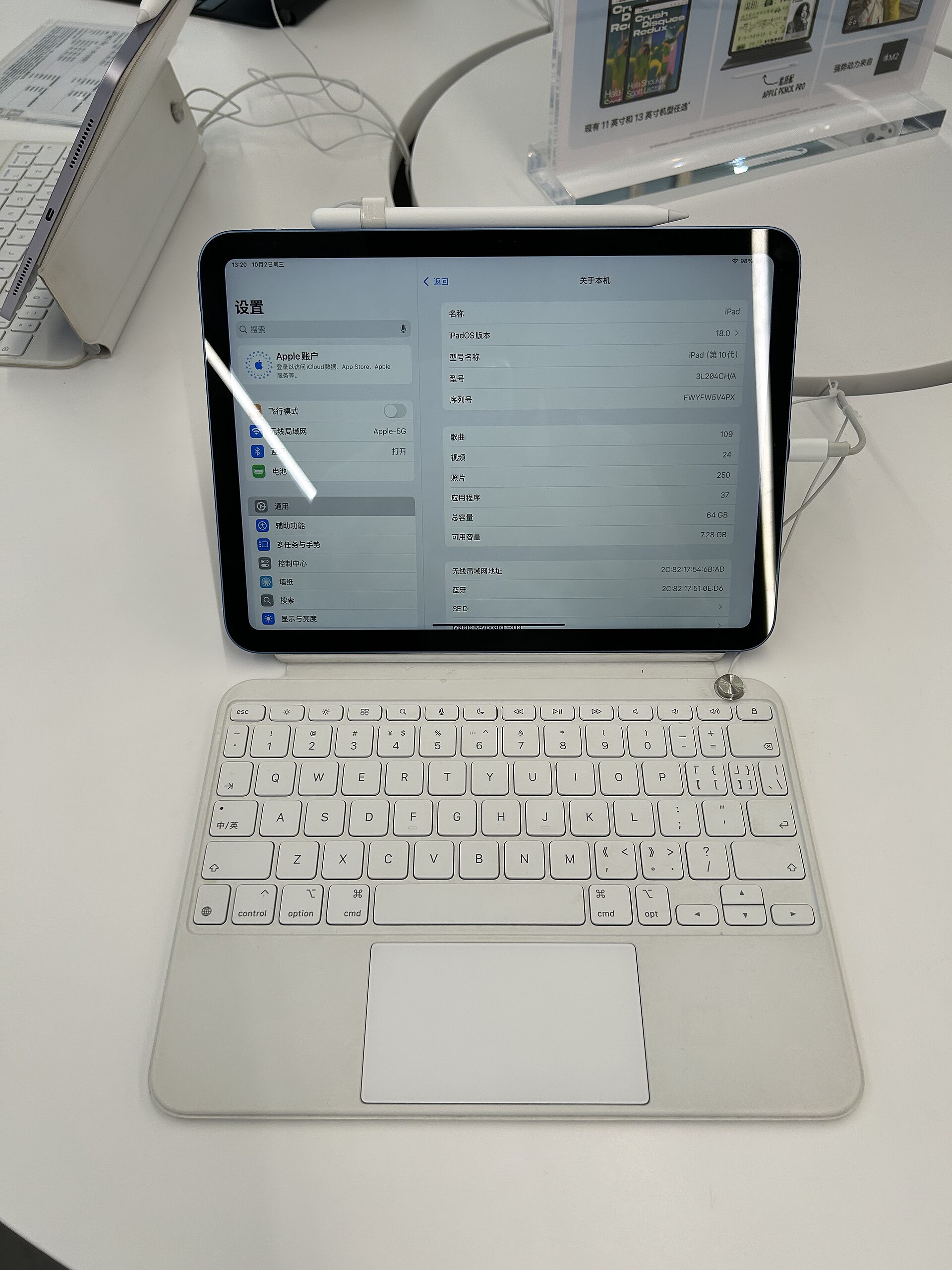
The Apple iPad 10th generation is the boring, correct answer for most POS setups. Every major POS platform supports iPadOS first and best, the stand-and-enclosure ecosystem is enormous, and Apple’s long software support means it’s still getting updates years after a cheap Android tablet has been abandoned. For a register you depend on, “supported everywhere and still patched in 2030” is worth the premium.
The cheapest Apple path — iPad (9th gen)
If the 10th gen stings, a 9th-gen iPad — new or certified-refurbished — runs the same POS apps for less. It’s the value pick that keeps you in the well-supported Apple lane.
Best budget Android — Samsung Galaxy Tab A9+
The Samsung Galaxy Tab A9+ is the Android tablet I’d trust on a counter. Real Samsung build quality, full Google Play, and solid enough for POS apps that officially support Android. Confirm your POS supports it specifically — “supports Android” and “supports this Android tablet” aren’t the same sentence.
Cheapest kiosk-only — Amazon Fire HD 10
The Amazon Fire HD 10 is a great kiosk tablet and a poor POS one — know which you’re buying. It runs Fire OS (no official Google Play), which rules out many register apps, but for a locked-down digital menu, a self-order screen, or a catalog display running a web app, it’s hard to beat the price. It even has a built-in “Show Mode”/kiosk capability. Kiosk yes; register, almost never.
The Android alternative — Lenovo Tab M11
A Lenovo Tab M11 is a reasonable middle ground — clean Android, decent screen, fine for kiosk duty and light Android-supported POS work. Same caveat: verify against your software’s device list.
What to skip
- The $60–90 no-name tablet for a register. It’ll be slow within a year, won’t get security updates, and isn’t on anyone’s supported list. Fine as a toy; wrong as the thing that takes your money.
- Cellular/LTE models unless you genuinely have no Wi-Fi. You’re paying upfront and monthly for radio you won’t use at a fixed counter.
- Maxed-out storage. A POS or kiosk runs a couple of apps. Base storage is plenty; spend the savings on a good stand and a sturdy enclosure instead.
Don’t forget the parts that aren’t the tablet
The tablet is half the setup. Budget for a stand or enclosure (the difference between “register” and “thing that gets knocked off the counter”), a reliable charging setup for all-day use, and any peripherals — receipt printer, card reader, cash drawer, barcode scanner — that your POS needs. Confirm those talk to your tablet before you commit to a platform.
The bigger picture
A tablet POS is a fantastic, cheap way to start taking payments. But once you’re running real volume across a counter — and especially across multiple locations or channels — the tablet stops being the interesting question and your systems do: how inventory syncs, how sales data flows to your books, whether your register, your online store, and your stockroom agree on what you actually have.
That’s where the off-the-shelf POS either fits or starts fighting you — and where we help businesses connect the register to everything behind it, or build the custom piece the boxed POS can’t. The tablet’s the easy buy. Making it part of a system that actually runs your business is the part worth getting right.